
Dart แนะนำว่า เราไม่ควรใช้ฟังชั่น Print ใน flutter production code
วิธีการที่ถูกต้องคือ ให้ใช้ debugPrint แทน และต้องตรวจสอบด้วย kDebugMode ด้วย
Code ตัวอย่างเป็นแบบนี้
FilledButton(
              onPressed: () {
                if (kDebugMode) {
                  debugPrint('This is filled button');
                }
              },
              child: Text('This is filled button'),
            ),
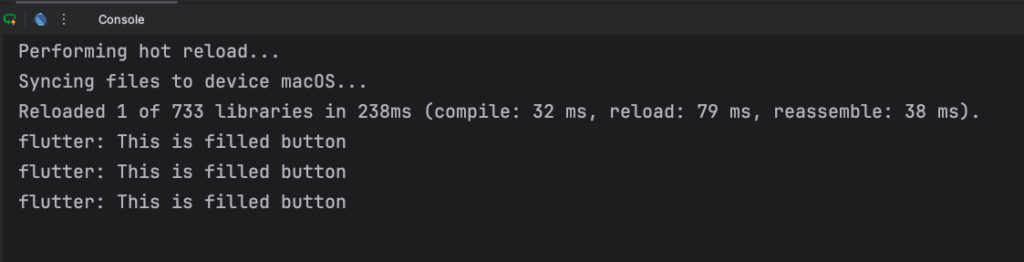
เมื่อ run โปรแกรม จะพิมพ์ข้อความ debug ใน console ดังนี้